Introducing Structured Refund Reasons
Go beyond plain-text refund reasons with a structured approach that enhances reporting and insights.

Like it or not, refunds are an inevitable part of running a business.
Whether they happen because of customer dissatisfaction, product issues, or other factors, understanding why refunds occur is key to improving services and products.
To make this easier, we’ve introduced a feature that lets you categorize refund reasons in a structured way.
Recap
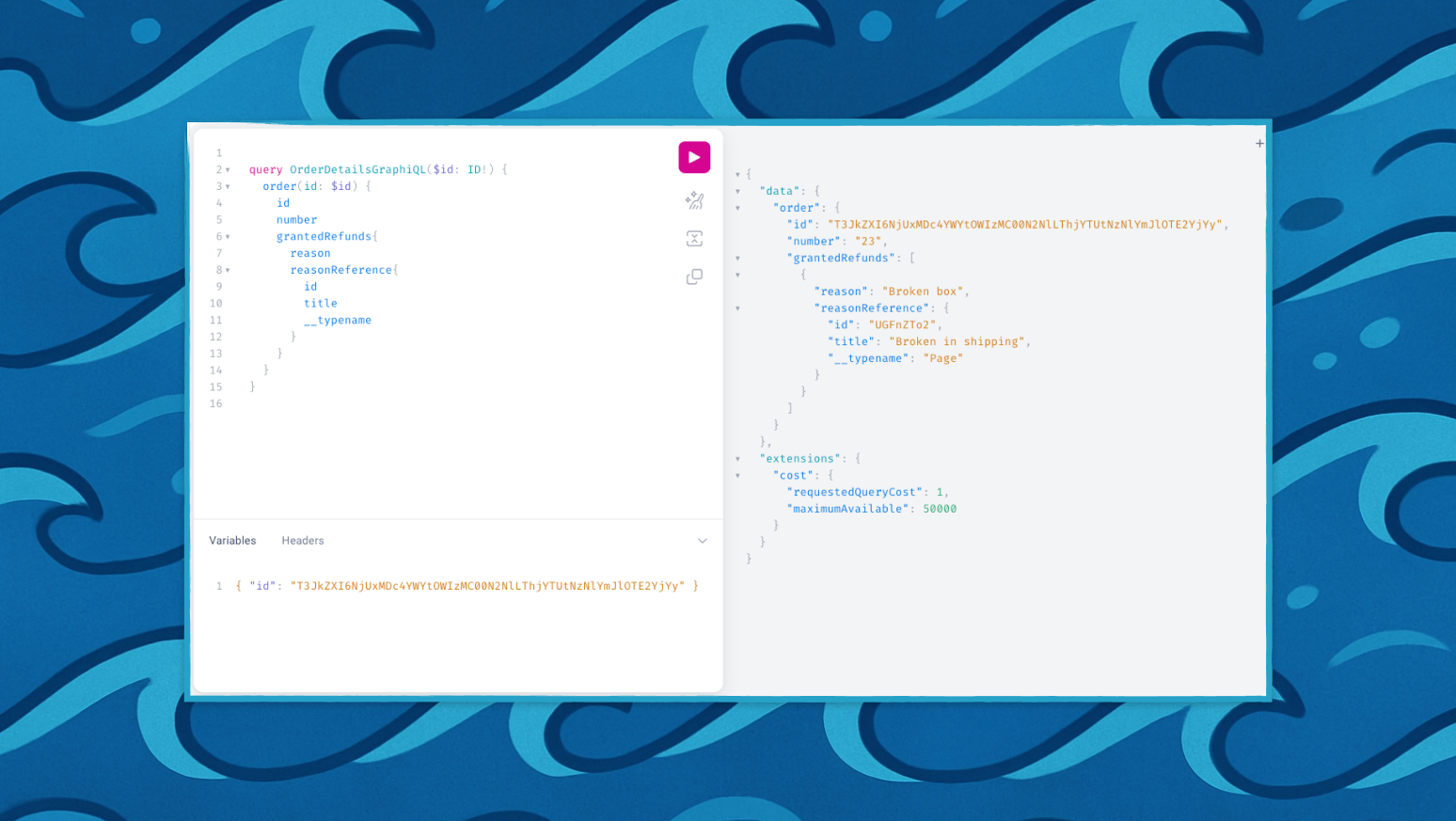
Previously, when processing a refund, you could provide a free-text reason. This information was stored only in a GrantedRefund attached to the Order.
For manual refunds, adding a reason wasn’t possible at all. A payment app could attach a note to the TransactionEvent.message field, but that was the only option.
In both cases, the free-text input was unstructured, which made it hard to analyze or report on trends.
What if you run a multi-language store, where staff enter reasons in different languages? Or if you want to categorize refunds by specific types like “Damaged Product” or “Customer Dissatisfaction”, without worrying about spelling mistakes?
Structured Refund Reasons
Saleor 3.22 introduces a structured approach to refund reasons.
We recently renamed Pages to Models to better reflect their purpose, and this update extends the concept by introducing dedicated refund reason references.
First, we unified the API between GrantedRefund and manual refunds. Now, when you create a manual refund, a plain-text reason field is available, just like in GrantedRefund.
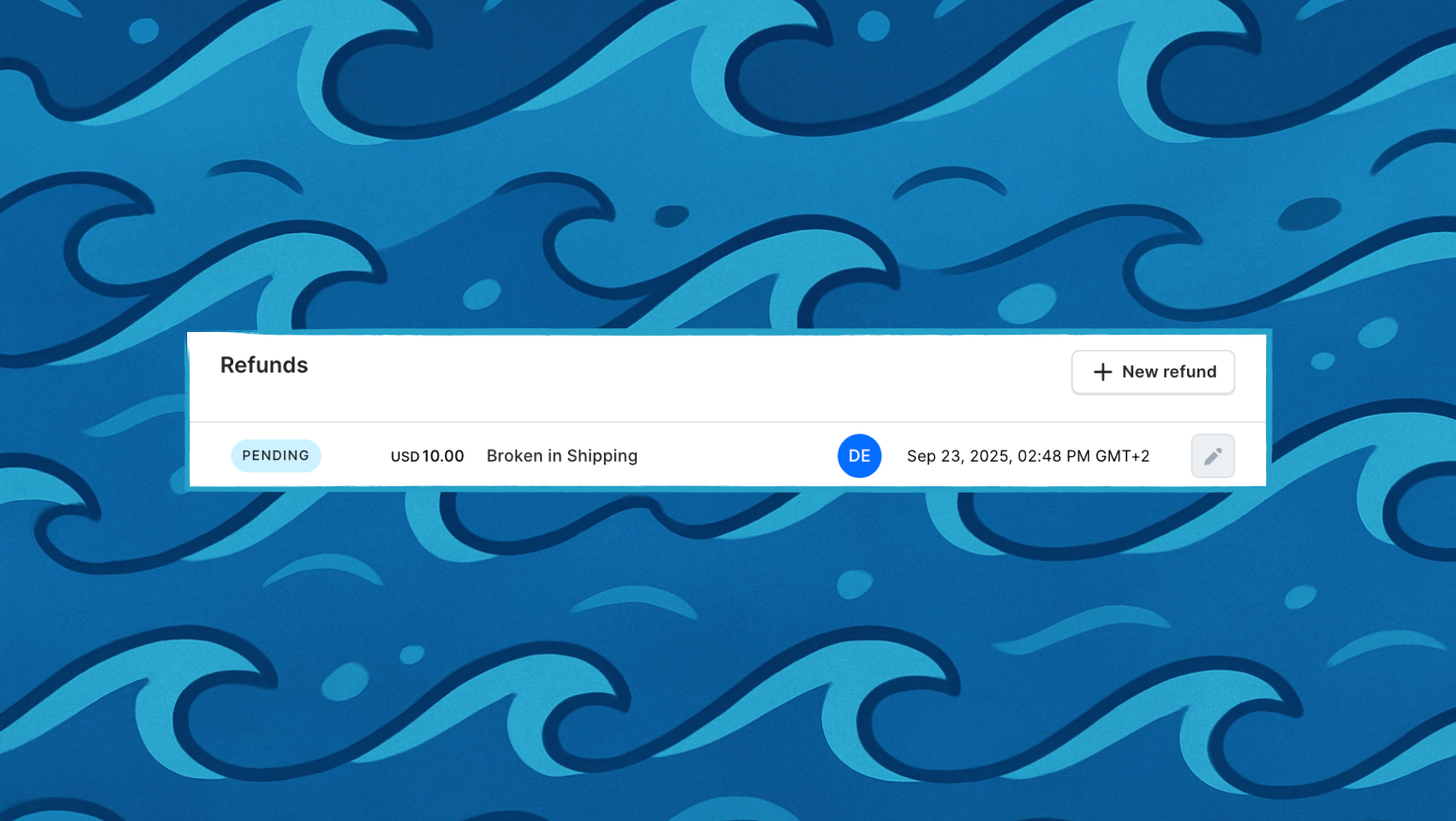
The TransactionEvent of type REFUND_REQUEST includes this text, visible in the Dashboard.
Next, we added a dedicated connection between both refund types. This connection, if provided, contains a reference to the Model (formerly Page) that represents the structured refund reason.
The Dashboard displays the name of this Model, while your store can enrich it with attributes or translations for other uses. For example, your reporting system could group refunds by Model ID and calculate statistics from there.
Enabling the Feature
After upgrading to Saleor 3.22:
-
Create a new
Model Typecalled Refund Reason. -
Add several
Modelsof this type, each representing a common reason such as “Damaged Product,” “Customer Dissatisfaction,” or “Wrong Item Sent.” -
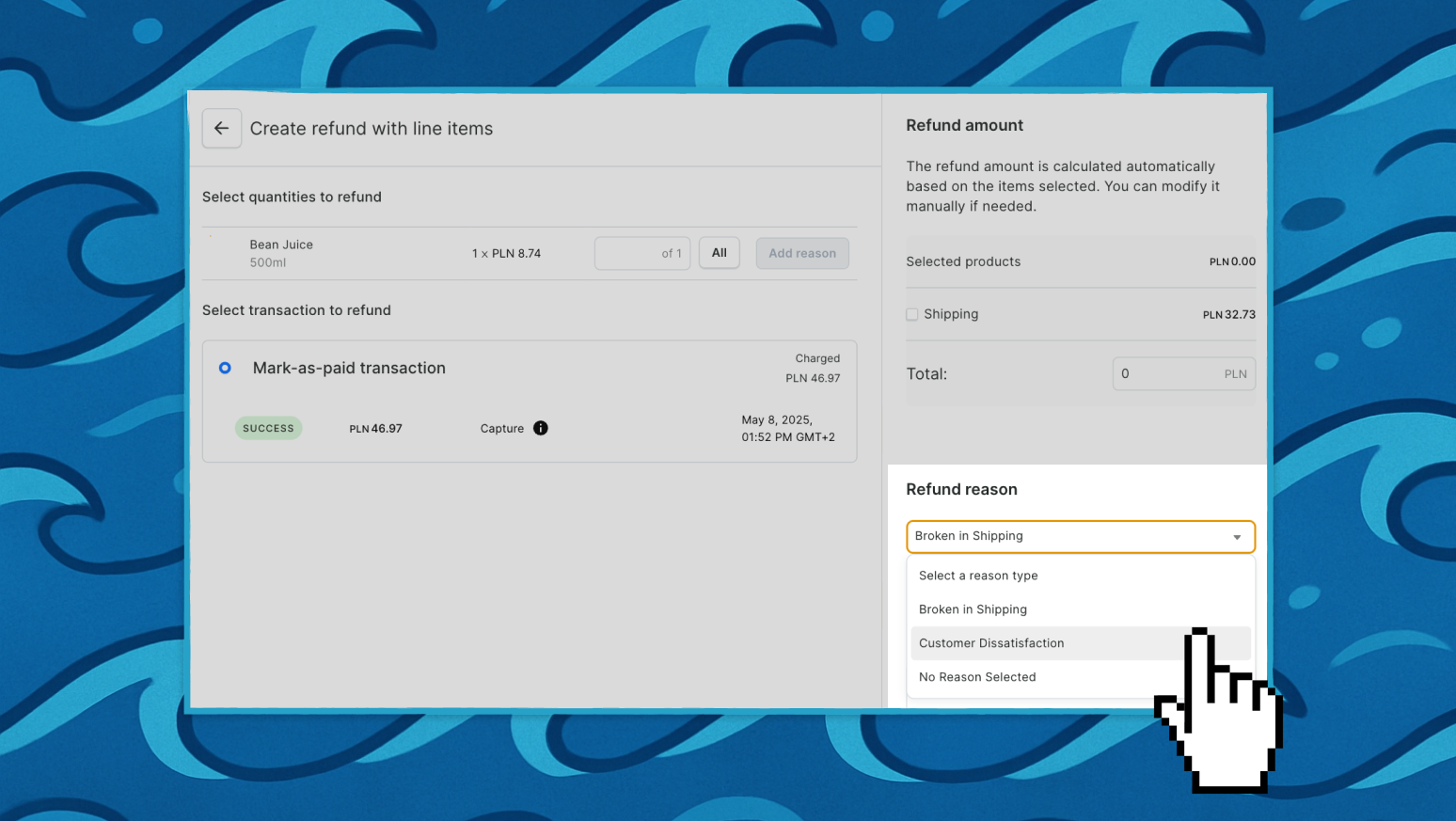
Then, in your Dashboard go to Settings → Refund Settings and select Refund Reason as the dedicated model group.
All Models of this type will now be available as predefined refund reasons.
When processing a refund, manual or granted, you can choose one of the predefined reasons instead of entering free text.
To see it in action, create a test order and issue a refund. Full details are in the docs.