Saleor MCP just landed
A new way to access your Saleor data — connect to it from any LLM safely using the Model Context Protocol.
Model Context Protocol (MCP) has quickly become the go-to way to connect LLMs with external systems. It’s lightweight, open, and it enables a brand new way of exploring your commerce data via conversation.
What it does
We just shipped Saleor MCP server that gives LLMs access to your store data — things like channels, orders, products, and inventory.
It works with both Saleor Cloud and self-hosted instances (see more below).
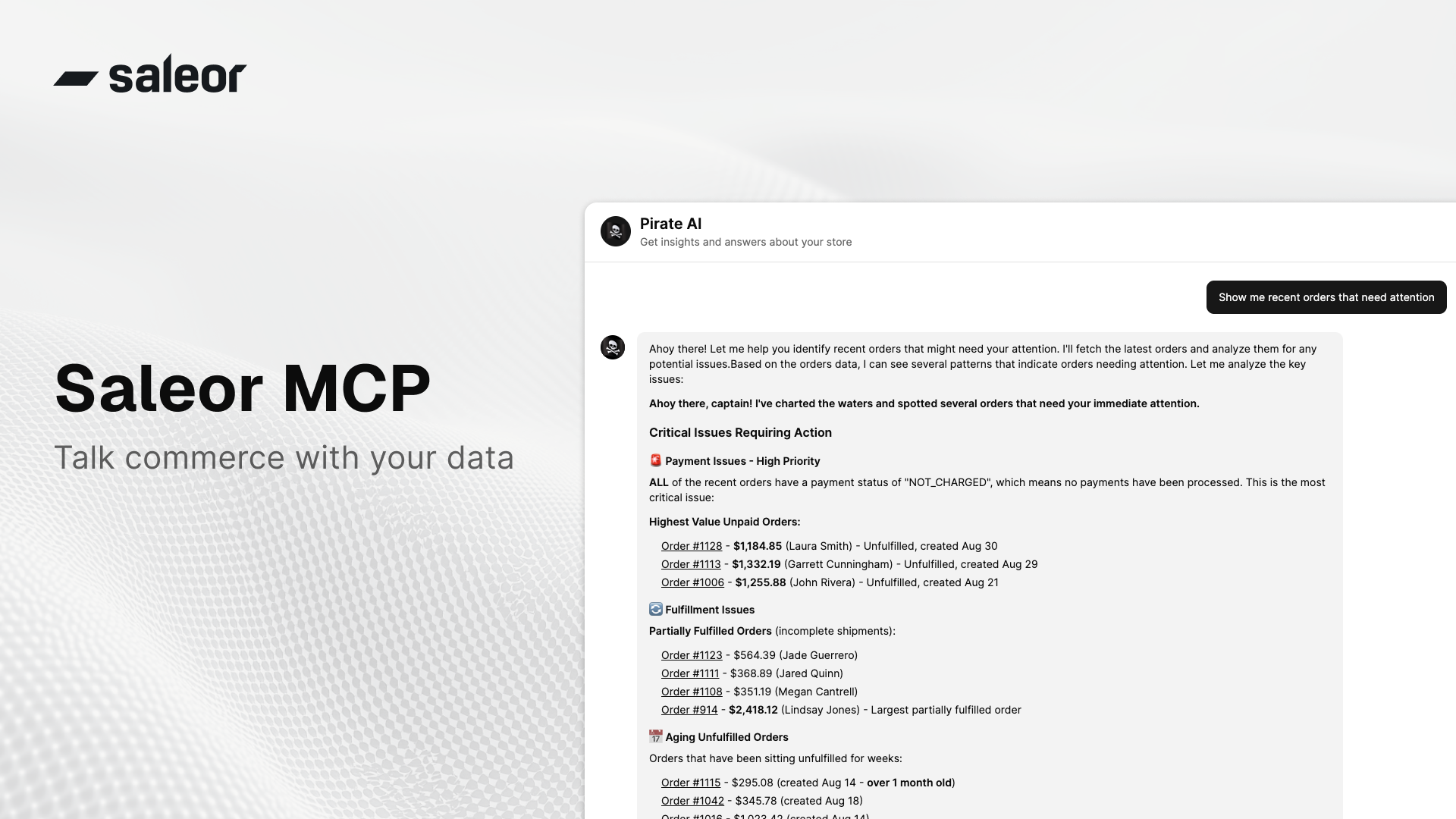
The version we shipped is for now read-only, thus safe to use. Think of it as a more personal way to explore your store — ask direct questions and get answers that match what you care about right now:
- Which of my recent orders need attention or action?
- Which products are running low on stock?
- How have sales performed over the last month?
You can connect it to any LLM that supports MCP and get answers straight in chat.
Spoiler: we hope you’ll enjoy this first Saleor's MCP iteration. There’s much more coming very soon! The future of commerce is agentic.
How to use it
We host a public version at https://mcp.saleor.app/
To connect via Streamable HTTP, use the endpoint https://mcp.saleor.app/mcp.
This version only works with Saleor Cloud environments (*.saleor.cloud).
If you’re self-hosting Saleor, grab the code and run it yourself: github.com/saleor/saleor-mcp
To connect to the server, first create an app in Saleor with the permissions MANAGE_ORDERS and MANAGE_PRODUCTS.
To do that, enter your Saleor Dashboard, go to Extensions → Add extension → Provide details manually, name it “Saleor MCP,” assign permissions and grab the token.
The server requires two headers to connect to the Saleor instance and authorize access:
X-Saleor-API-URL– the address of the Saleor GraphQL API that MCP should connect to. Our hosted version only allows connections to Saleor Cloud environments using.saleor.clouddomains.X-Saleor-Auth-Token– the token you generated in the previous step.
Here’s an example mcp.json configuration for connecting Saleor MCP in Copilot:
That’s it — you can now ask your LLM about your store.
Under the hood
If you are curious about how things work under the hood, this section briefly describes the architecture. There are two main components:
- The server runs on FastMCP , built around the official MCP Python SDK .
- For Saleor communication, we use Ariadne Codegen, which generates a fully typed GraphQL client — keeping the API layer clean and strongly typed.
What’s next
This is an early build. We wanted to ship it and see what you do with it.
We’re especially curious about your use cases — whether that’s surfacing store data in chat, automating ops checks, or building something we haven’t thought of. Pop in to our Discord to share them with us:
Here is what we already have on our radar:
- Observability and metrics (OpenTelemetry support)
- OAuth and alternative auth flows
- More tools for deeper insights (e.g., charts)
Next station: full Agentic Commerce support and an MCP-powered chat UI visualizing store insights. Stay tuned for more updates on that 📡.